Article by Frank Jonker | Web Design, Digital Marketing and Online Business – October 2026

Web Designing: Why a Professionally Designed and Well-Maintained Website Is Essential for Your Business
Introduction: Your Website Is Your Digital Shopfront
In today’s digital world, having a website is no longer just an advantage — it is an essential part of running a successful business. Whether you own a small local business, a growing company, an online store, or a professional service, your website can help you attract customers, build trust, showcase your products and services, and grow your brand.
Your website is often one of the first places potential customers visit when they want to learn more about your business. A well-designed website creates a positive first impression, while a poorly designed, outdated, or malfunctioning website can cause visitors to lose confidence and look elsewhere.
But creating a website is only the beginning. Proper website setup, regular maintenance, security, and ongoing improvements are just as important as the original design.
A successful website should look professional, work smoothly, load quickly, display correctly on mobile devices, and make it easy for visitors to find the information they need.
In this article, we explore the importance of professional web design, why a website must be set up correctly, and how ongoing maintenance can help your business succeed online.
1. 🎨 Professional Web Design Builds Trust and Credibility

Your website represents your business online. When visitors land on your homepage, they quickly form an impression of your company based on its appearance, content, and ease of use.
A professional website should include:
🎨 Consistent branding: Use your business logo, brand colours, fonts, and visual identity.
🧭 Clear navigation: Make it easy for visitors to find your products, services, contact information, and other important pages.
📸 Quality images: Use relevant, clear images that support your message and reflect your business professionally.
📝 Well-written content: Explain what you offer, who you serve, and why customers should choose you.
📞 Visible contact details: Make it easy for potential customers to phone, email, or contact you through WhatsApp.
A professional design shows visitors that you take your business seriously. It helps establish credibility and gives potential customers greater confidence in contacting you or purchasing from you.
Remember: Your website is often your digital first impression. Make it count.
2. 📱 Mobile-Friendly Website Design Is Essential
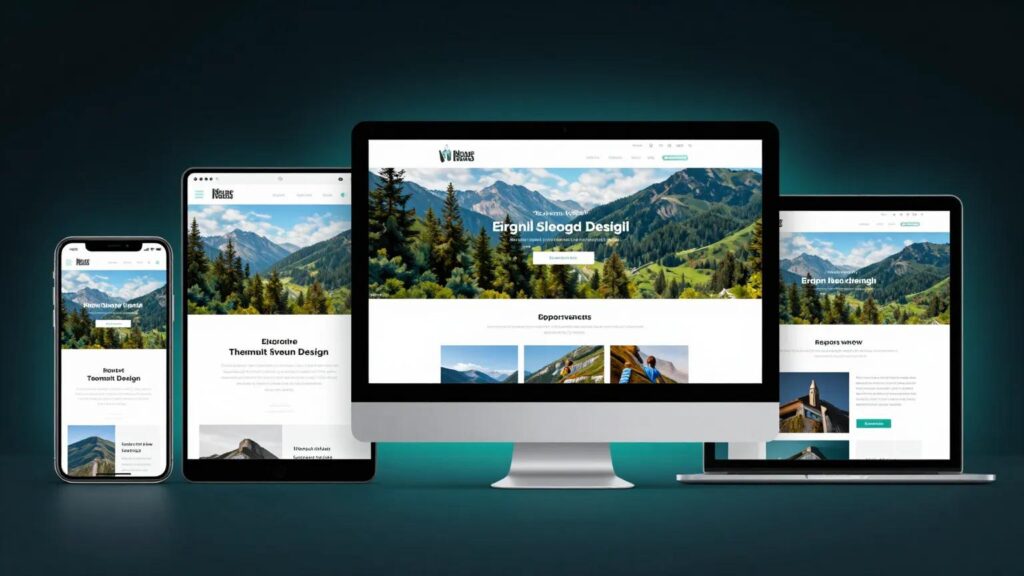
Many people use smartphones to search for local businesses, compare prices, read articles, and shop online. Your website must therefore work properly on mobile phones, tablets, laptops, and desktop computers.
This is known as responsive web design.
A mobile-friendly website automatically adjusts its layout to suit different screen sizes.
Important features include:
📱 Text that is easy to read without zooming.
👆 Buttons and links that are easy to tap.
🖼️ Images that resize correctly without distorting.
📐 Layouts that fit different screens.
⚡ Pages that load efficiently on mobile connections.
🛒 A simple checkout process for online stores.
If visitors struggle to use your website on their phones, they may leave before contacting you or completing a purchase.
A responsive website helps you reach customers wherever they are and provides a better experience across devices.
3. ⚙️ Proper Website Setup Creates a Strong Foundation
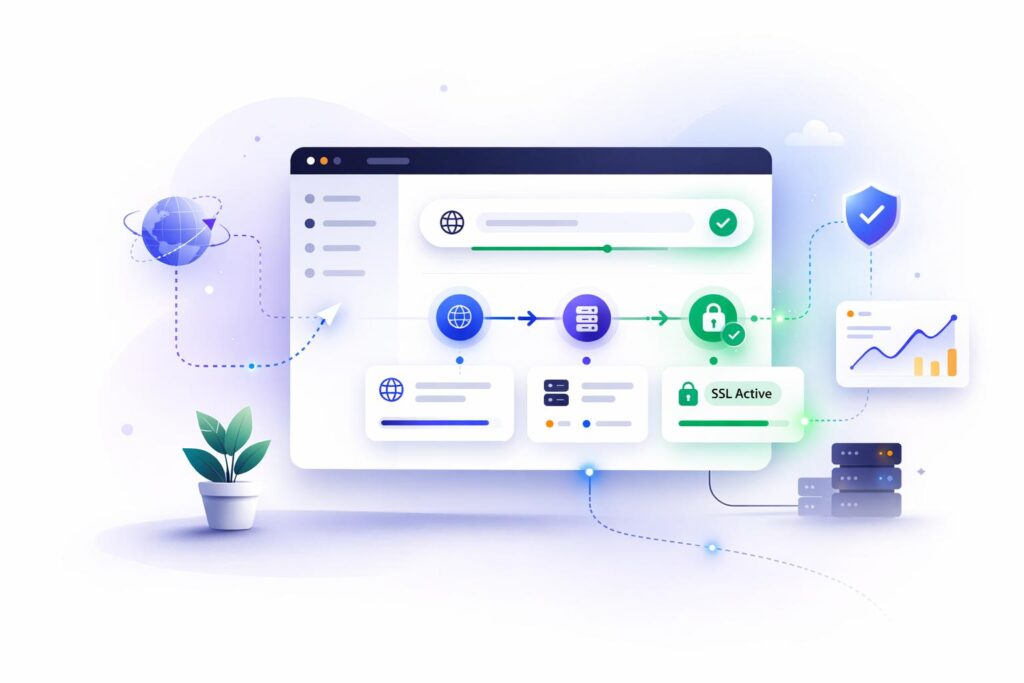
A website should not simply be designed to look attractive. It must also be configured correctly behind the scenes.
Proper setup helps your website function reliably, protects visitors, supports search engine visibility, and makes future updates easier.
Here are the key elements of a proper website setup.
Domain name
Your domain name is your website’s online address. Choose a professional, memorable domain that reflects your business and is easy for customers to type.
Reliable web hosting
Hosting stores your website’s files and makes them available online. Quality hosting can contribute to better loading speeds, uptime, security, and reliability.
SSL certificate and HTTPS
HTTPS encrypts information exchanged between a visitor’s browser and your website. An active SSL/TLS certificate helps protect data and reassures visitors that the connection is secure.
Logical website structure
Organise your website into useful pages, such as Home, About Us, Services, Products, Blog, Frequently Asked Questions, and Contact Us.
Working contact forms and links
Test your contact forms, email links, telephone numbers, WhatsApp buttons, and calls to action to make sure they work as intended.
Backups and recovery
Set up regular backups and confirm that they can be restored. Backups help you recover if your website is damaged, compromised, or affected by a failed update.
When these elements are configured correctly from the beginning, you have a stronger foundation for a reliable, secure, and professional online presence.
4. ⚡ Website Speed Matters
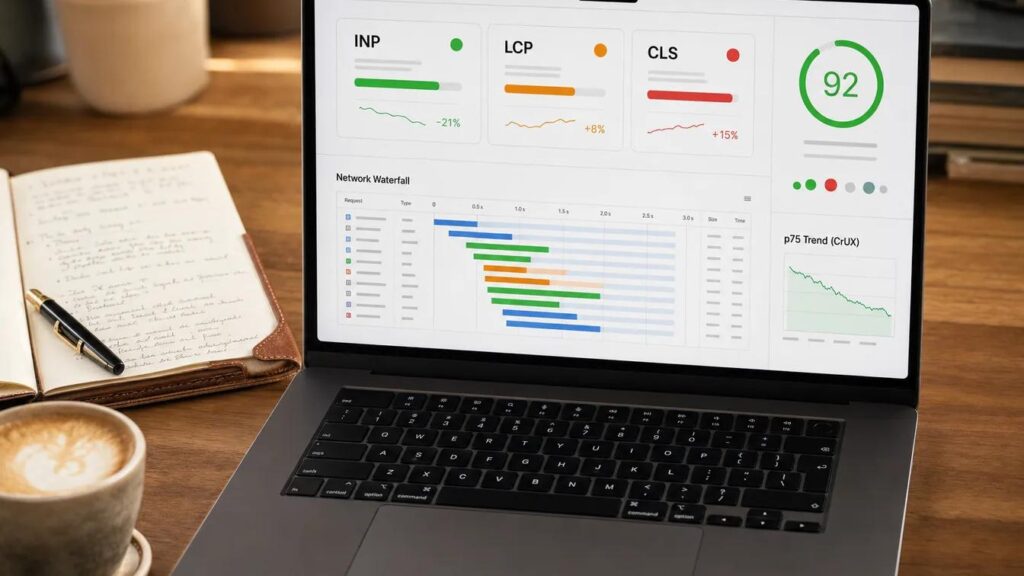
Website speed plays an important role in user experience. Visitors expect pages to load quickly, and delays can discourage them from exploring your products or services.
A slow website may lead to:
Visitors leaving before a page finishes loading.
Fewer people completing enquiries or purchases.
Frustrating mobile browsing experiences.
Poorer performance against Google’s page experience signals.
How can you improve website speed?
Compress images without noticeably reducing their quality.
Use reliable hosting that suits your website’s needs.
Remove unnecessary plugins, scripts, and features.
Use browser caching and suitable page caching.
Keep your website software and themes updated.
Reduce unnecessary redirects and heavy page elements.
Test important pages using Google’s PageSpeed Insights.
Website speed should be checked regularly, particularly after adding new plugins, changing your design, or uploading large images.
A fast website makes browsing more pleasant and can help visitors reach the information or services they need more easily.
5. 🔍 Search Engine Optimisation Helps Customers Find You

A beautiful website is not enough if potential customers cannot find it. Search engine optimisation (SEO) helps search engines understand your content and can improve your opportunities to appear in relevant search results.
For a local business in Welkom or the wider Free State, SEO can help connect your services with people searching for businesses in your area.
Essential website SEO practices
Use relevant keywords. Include phrases that accurately describe your services and that your customers may search for, such as “website design in Welkom” or “digital marketing services in the Free State.”
Write useful page titles and descriptions. Each important page should have a clear, relevant title and a helpful meta description.
Create valuable content. Publish articles, guides, service information, and answers to common customer questions.
Optimise images. Use descriptive file names and appropriate alternative text for images that convey useful information.
Make your website easy to navigate. Organise content into clear categories and link related pages together.
Make it accessible to search engines. Check that important pages can be crawled and indexed, and configure an XML sitemap where appropriate.
Connect Google Search Console. Use it to monitor indexing, search queries, and website search performance.
SEO takes time and does not guarantee first-page rankings. However, a well-structured, useful, and properly maintained website gives your business a better foundation for long-term online visibility.
6. 🛡️ Regular Website Maintenance Protects Your Business

One of the biggest mistakes business owners make is assuming that a website will continue working perfectly after it has been launched.
Websites rely on software, themes, plugins, hosting services, databases, forms, and other components. These can become outdated, incompatible, vulnerable, or faulty over time.
Regular maintenance helps identify and address problems before they cause significant disruption.
What does website maintenance include?
Software and plugin updates
Keep your content management system, themes, plugins, and other supported components updated. Check compatibility and back up your website before significant changes.
Security checks
Review user accounts, permissions, suspicious activity, security settings, and available security updates.
Regular backups
Ensure backups run correctly, are stored securely, and can be restored if needed.
Broken link checks
Find and repair broken links, missing images, incorrect buttons, and pages that return errors.
Content updates
Update prices, contact details, business hours, service descriptions, staff information, and outdated articles.
Performance monitoring
Check loading speed, mobile usability, uptime, and important customer journeys.
Form and checkout testing
Test enquiry forms, bookings, payments, online orders, and confirmation messages regularly.
What happens if you neglect maintenance?
An unmaintained website may become slow, display outdated information, lose functionality, develop security vulnerabilities, or experience downtime.
For an online store, a faulty checkout could prevent customers from purchasing. For a service business, a broken contact form could result in missed enquiries.
Maintenance is therefore not simply a technical task. It is an investment in business continuity, customer confidence, and the protection of your online presence.
7. 📈 Your Website Should Help You Generate Leads and Sales

A business website should do more than display information. It should guide visitors towards taking meaningful action.
Depending on your business goals, these actions may include making a phone call, requesting a quotation, booking an appointment, subscribing to a newsletter, or purchasing a product.
Make your website work for your business
Clear calls to action: Use helpful buttons such as “Get a Quote,” “Contact Us,” “Shop Now,” or “Book Today.”
Easy contact options: Display your telephone number, email address, and WhatsApp link where appropriate.
Strong service pages: Explain your services, the problems you solve, and the benefits customers can expect.
Customer testimonials: With permission, showcase genuine customer reviews and feedback.
Simple enquiry forms: Ask only for the information you need to respond to customers.
Analytics tools: Use suitable analytics to understand which pages attract visitors and which actions they take.
Tracking your results helps you identify what works and where improvements are needed.
Remember, more website visitors do not automatically mean more sales. Your website must attract relevant visitors and provide a clear, trustworthy path towards becoming a customer.
8. ✍️ Keep Your Website Content Fresh and Relevant

Your website should reflect the current state of your business. Outdated information can confuse customers and damage their confidence in your company.
Imagine a customer visiting your website only to discover an old telephone number, discontinued products, expired promotions, or incorrect opening hours. They may decide to contact a competitor instead.
What should you update regularly?
Business contact details and operating hours.
Products, services, and pricing information.
Special offers and promotional campaigns.
Blog articles and frequently asked questions.
Portfolio projects, case studies, and testimonials.
Privacy notices, terms, and other relevant policies.
Team profiles and company information.
Publishing useful new content can also give customers reasons to revisit your website and help search engines discover relevant pages.
For example, a local business could publish helpful articles about its industry, explain common customer problems, or share practical tips related to its services.
Quality matters more than quantity. Focus on providing accurate, useful information that answers real customer questions.
9. ♿ Accessibility and User-Friendly Design
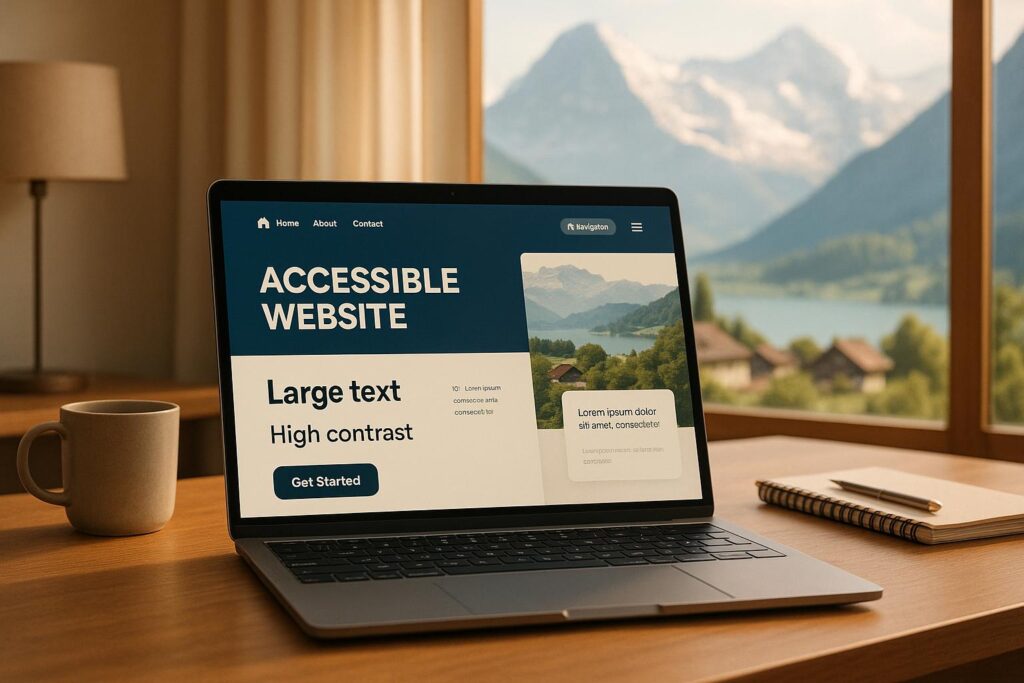
A well-designed website should be usable by as many people as possible, including visitors with disabilities or different browsing needs.
Accessible design also tends to improve usability for everyone.
Consider these good practices:
Use readable fonts and suitable text sizes.
Maintain sufficient contrast between text and backgrounds.
Add meaningful alternative text to informative images.
Label forms clearly and explain errors.
Make navigation and interactive elements usable with a keyboard.
Use descriptive link text instead of vague phrases such as “click here.”
Add captions to videos where appropriate.
Avoid layouts that are confusing or unnecessarily complicated.
Following recognised accessibility guidance, such as the Web Content Accessibility Guidelines (WCAG), helps you identify barriers and improve the overall experience.
An accessible website can make your products, services, and information available to a broader audience.
10. 🗓️ Create a Website Maintenance Schedule
Website maintenance should be planned rather than left until something breaks. The right schedule depends on your website’s complexity, software, security risks, and how frequently you publish content.
Here is a practical starting point for small businesses.
Weekly
Check that the website is accessible, review important forms and transactions, monitor security alerts, and confirm that backups are running.
Monthly
Review updates, test key links and pages, check website speed, review security, and update business information where necessary.
Quarterly
Review website analytics, SEO performance, content quality, accessibility, and conversion rates. Identify improvements that could benefit your customers.
Annually, or when needed
Review hosting and domain renewals, business goals, privacy information, website design, and whether your current technology still meets your needs.
Do not wait for a scheduled review to address a serious security warning, failed payment system, broken website, or other urgent problem. Critical issues require prompt attention.
11. 💰 Why Investing in Professional Web Design Makes Business Sense
A website is an investment in your business’s long-term growth. While the initial cost matters, the value of a website should also be measured by how effectively it supports your goals.
A properly designed and maintained website can help you:
Increase online visibility
Give potential customers another way to discover your business, products, and services.
Build trust
Present your business professionally and provide clear, reliable information.
Reach more customers
Make your business accessible to people searching online beyond your immediate circle of contacts.
Share information around the clock
Allow visitors to explore your services and products even when your physical business is closed.
Support business growth
Create opportunities to generate enquiries, receive bookings, sell products, and build lasting customer relationships.
A website does not guarantee sales or success on its own. Results depend on factors such as your offer, competition, pricing, marketing, content, and customer experience. However, a reliable website gives your other marketing activities a strong online destination.
12. ✅ Website Setup and Maintenance Checklist
Use this checklist to assess whether your business website is ready to serve customers effectively.
Website readiness review
0/16
Design and usability
Technical setup
Security and maintenance
SEO and business growth
Use this checklist regularly to identify gaps and keep your website in good condition. Marking an item complete indicates that you have checked it; it does not replace ongoing monitoring.
Conclusion: Build It Properly, Maintain It Consistently, Grow Your Business
Your website is one of your most valuable digital business assets. It helps introduce your brand, communicate your value, answer customer questions, and create opportunities for growth.
But successful web design is about much more than attractive colours, stylish layouts, and impressive images.
A successful website combines professional design with proper technical setup, responsive functionality, security, fast loading speeds, useful content, search engine optimisation, and regular maintenance.
Whether you are launching a new website or improving an existing one, take the time to ensure that every important component works correctly. Review your content, monitor performance, protect your data, and make improvements as your business grows.
Don’t just build a website. Build a website that works for your business.
Invest in the right design, maintain it consistently, and give your customers a professional online experience they can trust.

🚀 Ready to Build or Improve Your Business Website?
A professional website can help your business establish credibility, reach potential customers, and grow its online presence.
Welkom City Digital Marketing Agency supports businesses with website design, website development, digital marketing, and online visibility.
By Frank Jonker — Web Designer and Digital Marketing Specialist